SCADA & HMI
Supervision screens that give operators the whole plant at a glance.
Detail sheet
How we build it
Every deployment is documented to the last terminal, so your team can own it the day we hand it over.
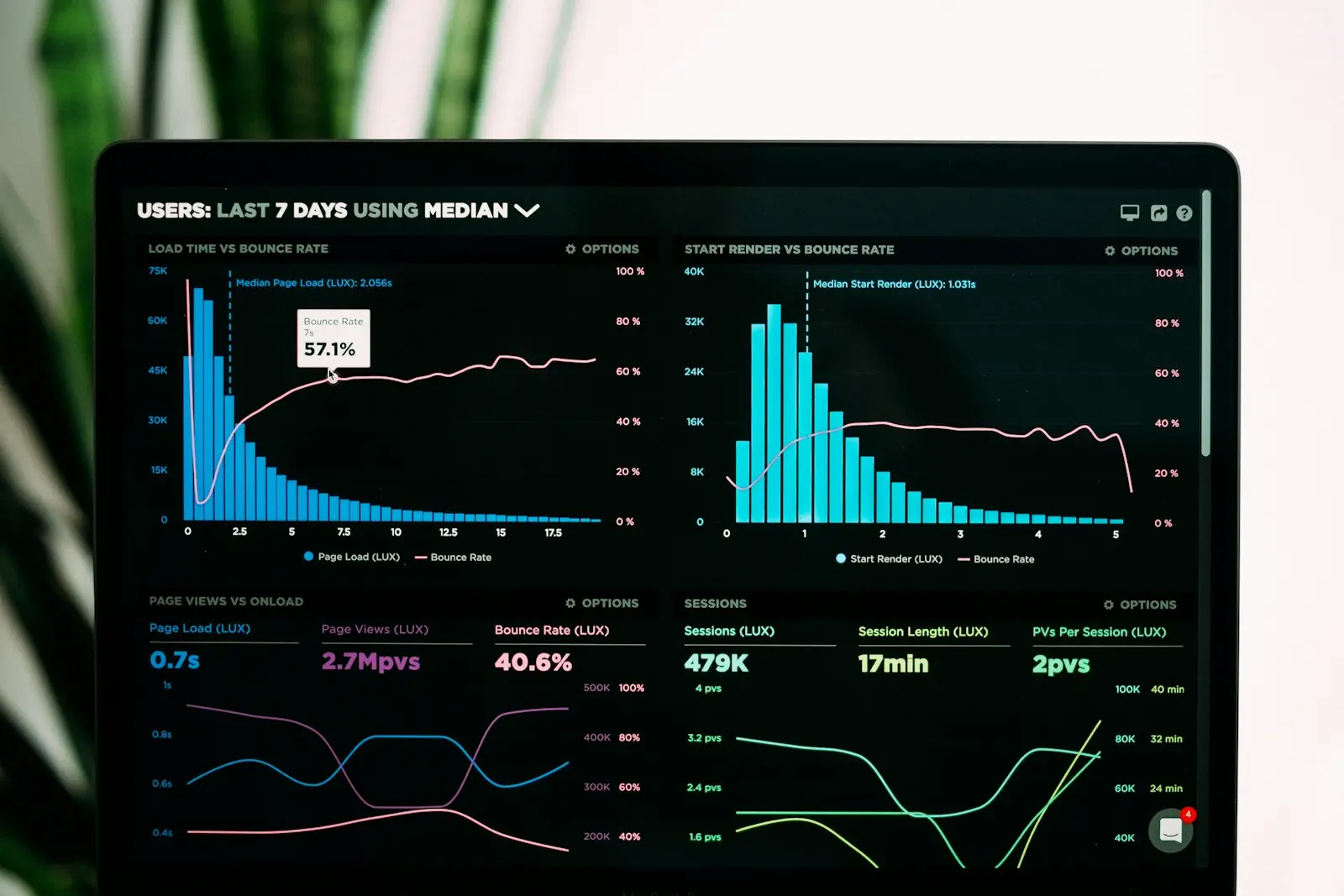
A good HMI tells an operator what is wrong before they go looking. We design supervision layers around the decisions your team actually makes on shift — clear alarm hierarchies, trend history where it matters, and screens that stay readable at 3 a.m. under plant lighting. Built on standard SCADA platforms so you are never locked into us.
- Platforms
- WinCC, FactoryTalk, Ignition, AVEVA
- Focus
- Alarm hierarchy & trend history
- Design standard
- High-performance HMI
In detail
What you should know
How this building block behaves in a working plant, and where it fits.
Designing for the night shift
An HMI is judged at 3 a.m. by someone who did not build it. That means high-contrast screens that stay legible under plant lighting, consistent placement so muscle memory works, and a first screen that shows what is wrong rather than a menu.
Decoration costs attention. Animated pipes and gauge faces look impressive in a demo and get in the way on a real shift.
Alarm philosophy first
Most alarm systems fail by being too generous. If everything raises an alarm, operators learn to acknowledge without reading, and the one that mattered is lost in the noise. We agree a philosophy before configuring anything: what warrants an alarm, its priority, and what the operator is expected to do about it.
A shorter alarm list that people act on beats a complete one they have learned to ignore.
History worth keeping
Trends are what turn an argument into an answer. Logging the right tags at a sensible rate lets you show what the process did before a fault instead of reconstructing it from memory.
Log everything at high frequency and you get a storage problem and slow screens. We choose rates per tag based on how fast the signal actually changes.
Applied
Where it earns its place
- Operators diagnosing faults by walking the line instead of reading a screen
- An alarm list long enough that acknowledgement has become automatic
- Supervisors who cannot see plant status without phoning the floor
- Replacing an HMI whose software is no longer supported
What ships with it
- Screen designs and navigation structure
- Documented alarm philosophy and configuration
- Historian setup with per-tag logging rates
- Operator training and quick-reference guide
- Project files and licences in your name
Common questions
- Which SCADA platform do you use?
- WinCC, FactoryTalk, Ignition and AVEVA most often. The choice usually follows your controller platform and your licensing, not our preference.
- Can you improve our existing screens?
- Often yes, and it is cheaper than replacing them. A rework of alarm priorities and screen hierarchy frequently delivers most of the benefit without new licences.
- How many alarms is too many?
- If operators acknowledge without reading, you already have too many. The fix is a philosophy that assigns priority and a required action to each one.
Elsewhere in the stack
Other solutions
The layers above and below this one — most projects use three or four together.