01
What end of life means for a plant that still runs
Nothing stops working on the day a product is phased out. A healthy S7-300 will keep running the line tomorrow exactly as it did yesterday. What changes is the risk around it: new stock dries up, prices for remaining modules rise, and the day a CPU or a power supply fails, the replacement may be a refurbished part of unknown history with a lead time measured in weeks.
Siemens publishes the lifecycle status of every article number in its Industry Online Support portal. Before planning anything, list the CPUs, communication processors and I/O modules installed on your site and check each one there. That list, not a general rule, tells you how much time you actually have.
02
Do not wait for the failure
The worst time to migrate a controller is the morning it fails. The program has to be found, often from a laptop that left with a former engineer, converted under pressure, and tested on a line that production wants back immediately. Every shortcut taken that day stays in the plant for the next fifteen years.
A planned migration costs less, because the conversion, the testing and the documentation are done off-line, at an engineer's pace, before anyone touches the machine.
03
How a planned S7-300 to S7-1500 migration runs
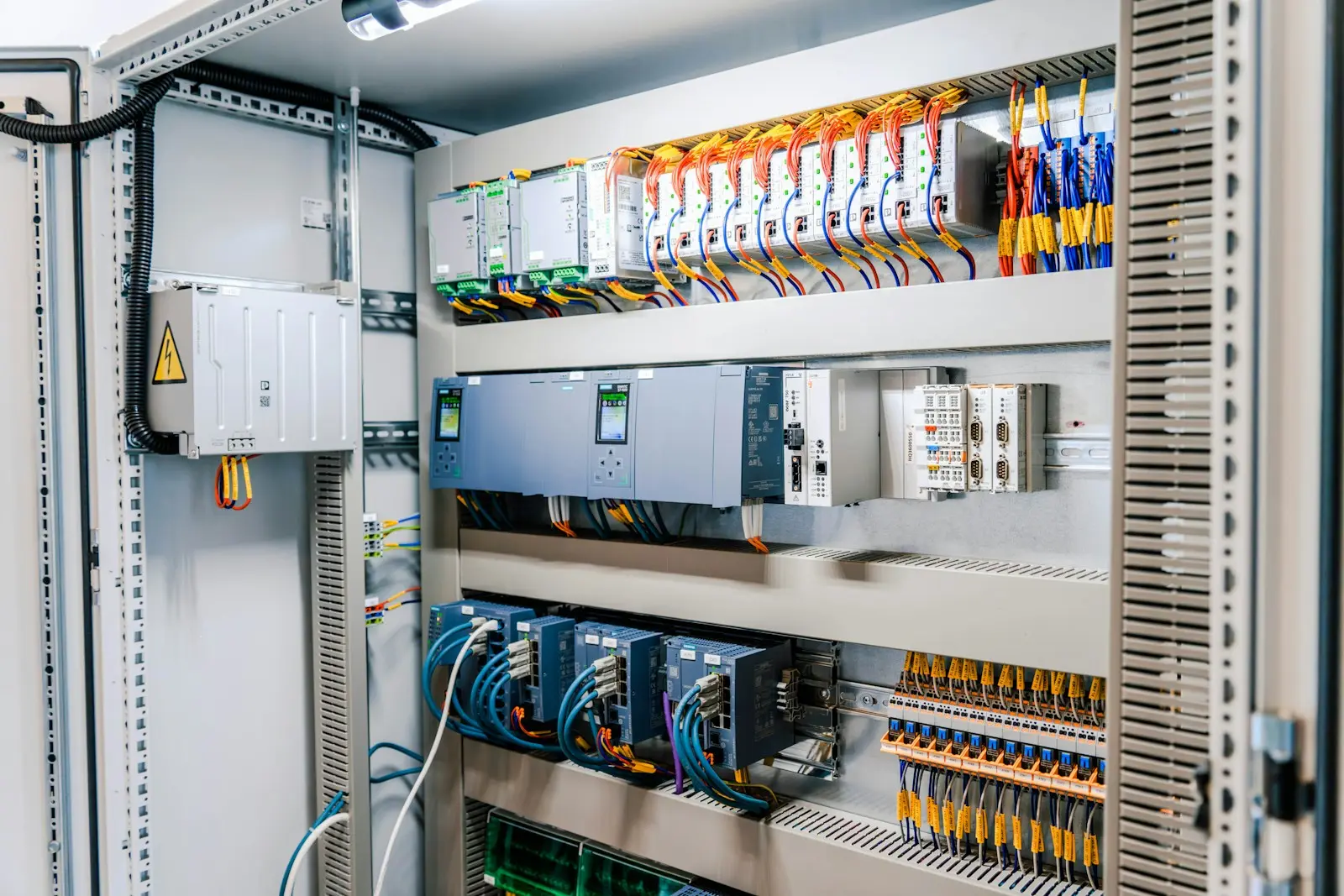
First, recover and back up the running program directly from the CPU, and compare it with any copy you have on file. They often differ. Second, convert the STEP 7 Classic project into TIA Portal, which has a migration tool for this, then review and clean up what it produces: deprecated instructions, absolute addressing and undocumented blocks are the usual work.
Third, test the converted program against a simulation of the machine at a factory acceptance test. Fourth, cut over during an agreed window, with the old CPU kept on the shelf so the plant can roll back if anything unexpected appears. The rollback plan is what lets production agree to the window in the first place.
04
Keep what still works
A migration does not have to be a rip-out. Field devices and the wiring to them usually stay exactly as they are. ET 200M remote I/O racks can often be kept and connected to the new S7-1500 over PROFINET by swapping the interface module, which keeps the panel rework small. The CPU, the communication and the program are what really change.
It is also the right moment to fix what has been annoying the maintenance team for years: unclear alarms, missing diagnostics, an HMI nobody can update. Doing it during the migration costs a fraction of doing it later as a separate project.
Written by the ASKworX engineering team